A faster way to work through the inbox. A person still in control.
Midwest Basketball Training uses an AI connection to review messages in CoachIQ and suggest replies from the team's existing templates. Evan Tillung says the routine speeds up the process, while keeping permission to take actions turned off.
Midwest's training model gives families flexibility to choose Sessions.
Behind that flexibility is a team coordinating programs, available training times, and staff across multiple facilities.
Messages are another part of that work. The team already had reply templates. Evan began using AI to help review the inbox and bring those templates into the response process.
What improved
A quicker response-preparation process
Evan described the inbox workflow as helpful and said it speeds up the process.
The improvement he reported is specific: regular message updates and suggested replies based on templates the team already has.
This example reflects Midwest's reported use in October 2026. AI-assisted scheduling and expansion to its other locations were still being explored separately.
How Midwest uses CoachIQ
How Midwest uses CoachIQ
01
Get a regular view of incoming messages
Evan connected AI to view information in CoachIQ. In the workflow he described, it sends him an update every four hours showing who has sent a message. That gives him a regular starting point for reviewing the inbox alongside the rest of his work.
02
Use the team's existing replies as a starting point
The workflow also suggests what the team could reply, drawing on templates Midwest already uses. For a facility owner considering AI, that is a concrete place to start: use the business's own response material to help prepare a reply.
03
Keep control of what happens next
Evan had enabled viewing access, but had not allowed the AI to take actions in CoachIQ. The workflow supplied updates and reply suggestions; it did not send responses on the team's behalf. Midwest could use AI for preparation while retaining control over the next action.
Inside Midwest Basketball Training
The people and place behind the training
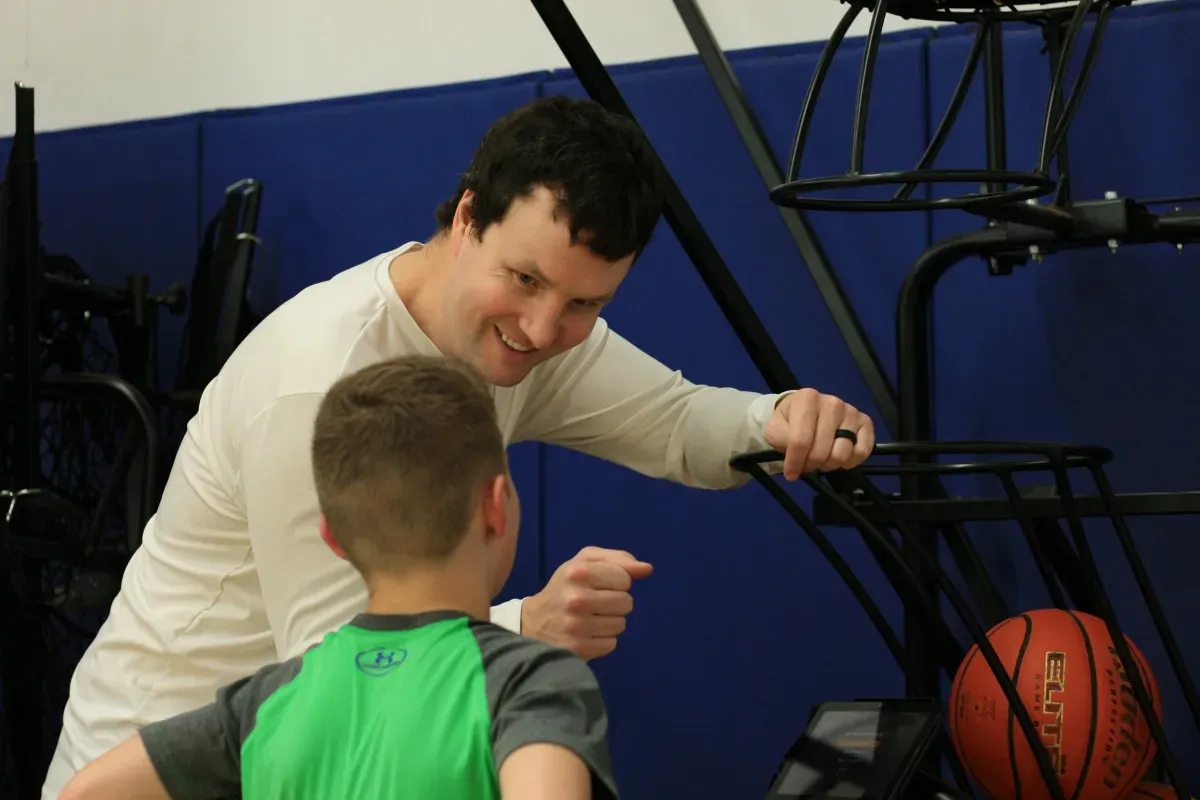
Photos from Midwest Basketball Training’s Chanhassen website.
What improved
A quicker response- preparation process
Evan described the inbox workflow as helpful and said it speeds up the process. The improvement he reported is specific: regular message updates and suggested replies based on templates the team already has.
This example reflects Midwest's reported use in October 2026. AI-assisted scheduling and expansion to its other locations were still being explored separately.
Midwest's example gives facility owners a practical starting point: identify a repeated task, bring the relevant business information into view, and decide which actions should stay with a person. Bring your inbox workflow and common athlete questions to a CoachIQ walkthrough.