Calendly + Venmo + a spreadsheet
Booking happens in one tool, payment in another, no-show tracking in your head. You're losing money you can't see.
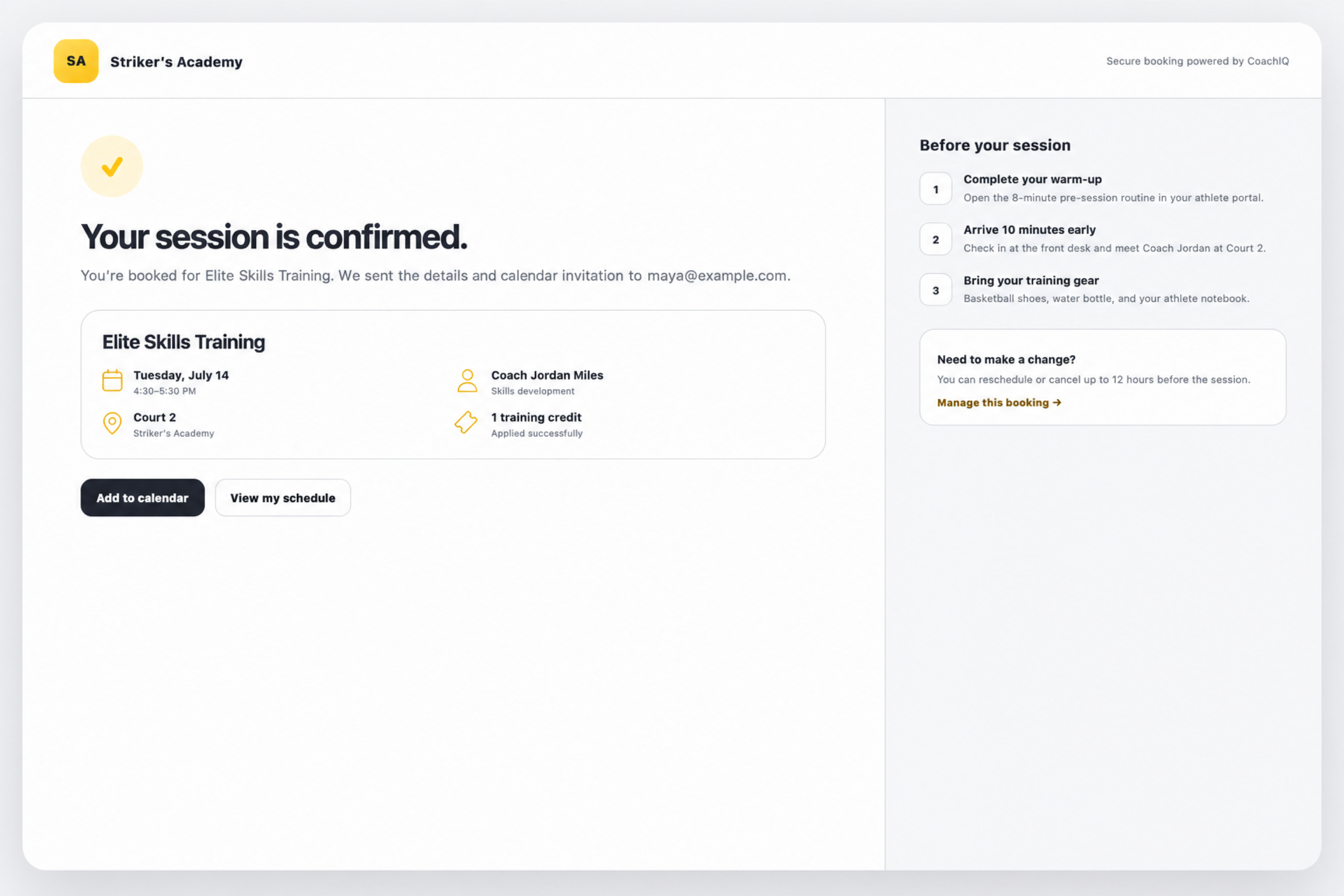
CoachIQ scheduling gives sports coaches and training facilities one booking and payment flow. Set availability, define sessions, and let athletes book from your website, portal, or direct scheduler link. No texts. No group chats. No no-shows you forgot to charge for.
CoachIQ replaces the Calendly, Venmo, spreadsheet, and group-chat stack many coaches use to manage bookings. Many coaches patch together separate tools for booking, payment, and follow-up - and sessions still fall through the cracks.
Booking happens in one tool, payment in another, no-show tracking in your head. You're losing money you can't see.
Every booking can turn into another round of messages to confirm time, payment, and details.
Athletes flake. You eat the lost hour.
Coordinating across coaches, spaces, and equipment in a shared calendar becomes a job nobody hired for.
CoachIQ scheduling is built around three layers that work together: what you're available to do, what you sell, and the sessions athletes actually book.
Availability defines when each coach, session type, and facility resource can be booked. Set recurring weekly hours, blackout dates, and separate availability rules per session type.
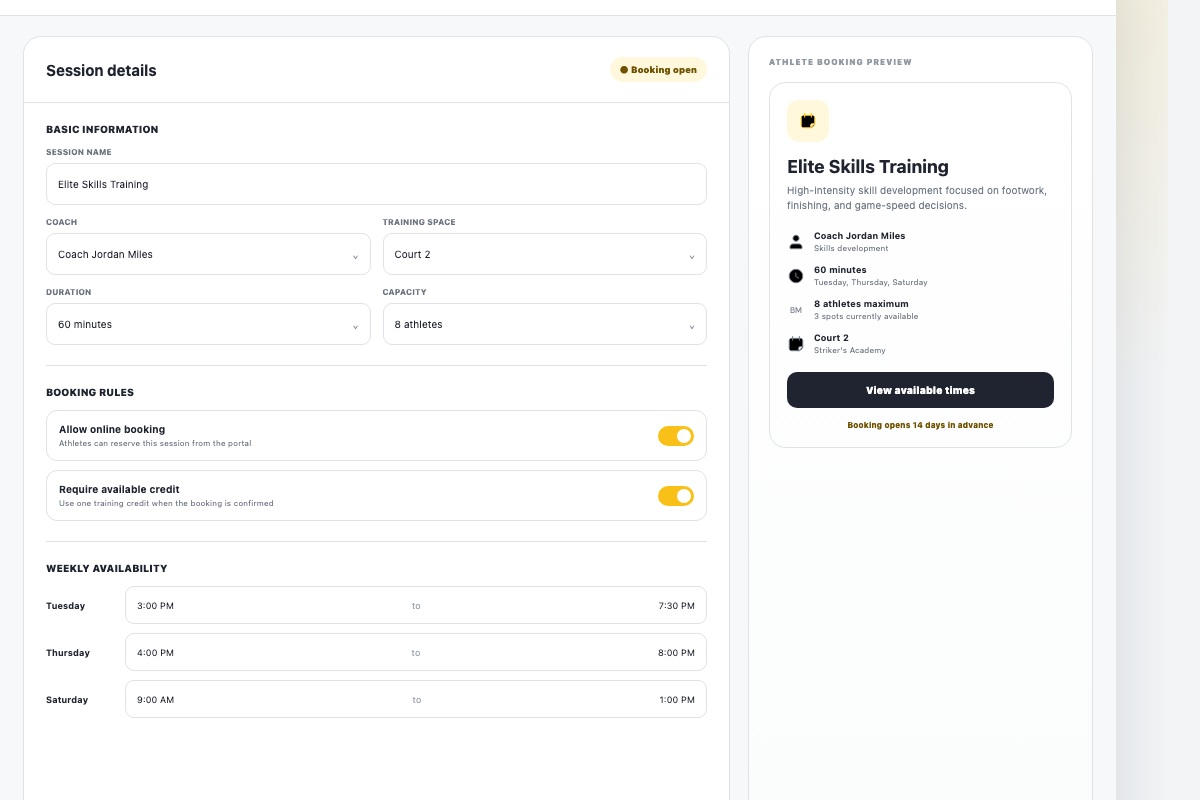
Schedulers are bookable session templates. Set duration, capacity, pricing, payment requirements, and required forms before athletes ever choose a time.
Sessions are the actual booked time slots. Bookings trigger reminders, take payment, sync to calendar, and support check-in.
Athletes browse schedulers, pick a time, and book themselves from your website, portal, or shared link.
Book athletes directly from the dashboard for VIP clients, makeup sessions, walk-ins, or one-off accommodations.
Create weekly, bi-weekly, monthly, or custom-pattern bookings for committed athletes and subscription members.
Trial sessions, assessments, and makeup sessions with no charge at booking.
One-time payment at booking for drop-ins, evaluations, or single sessions.
Pre-purchased credit packages or subscriptions for packages, memberships, and recurring training.
Athletes choose at booking - use a credit or pay direct.
Credit packages turn one-off bookings into upfront cash flow and fewer transaction fees because athletes buy sessions before they book them.
Get paid $450 today instead of $50 over 10 separate sessions.
One charge for 10 sessions instead of 10 smaller charges.
Credit packages make it easier to keep athletes on a plan instead of selling every session one at a time.
Use master credits across schedulers or scheduler-specific credits for designated session types.
Offer one-time packages or recurring subscriptions with monthly credit delivery.
Set credit expiration rules so old credits do not create awkward conversations later.
Charge fractional credits or multiple credits based on session length and value.
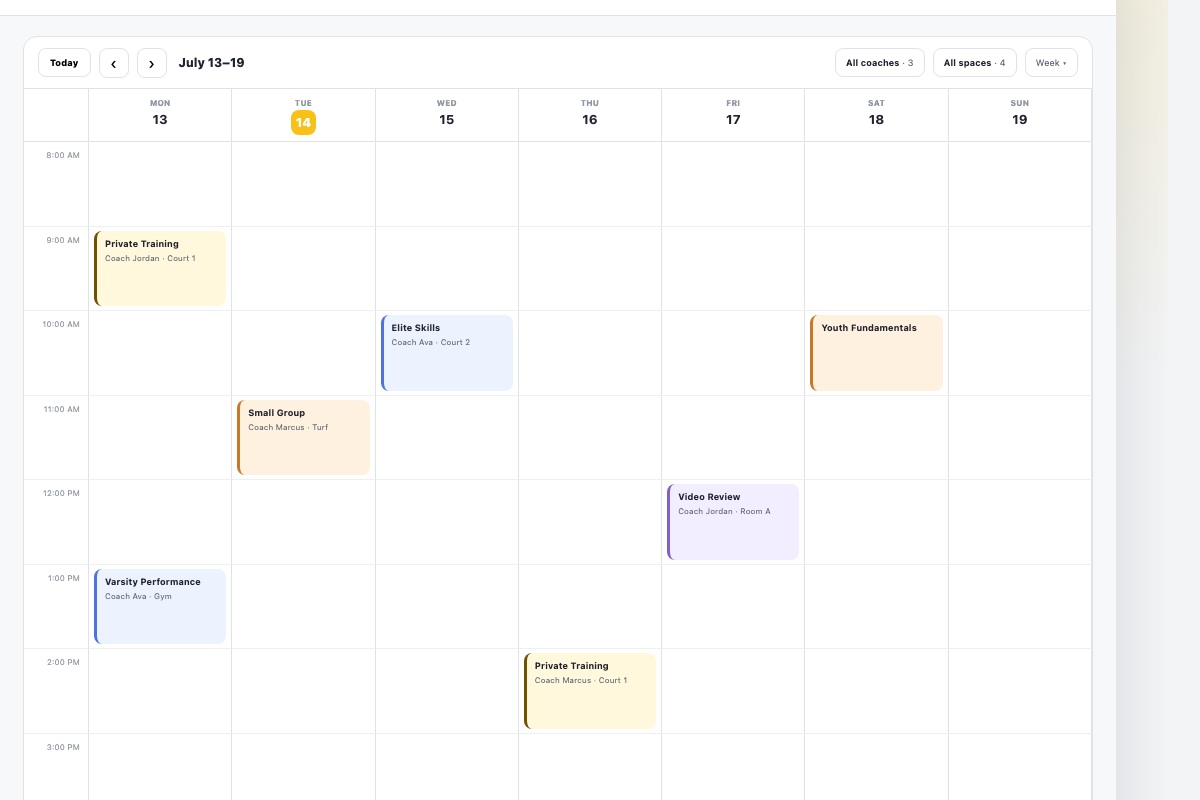
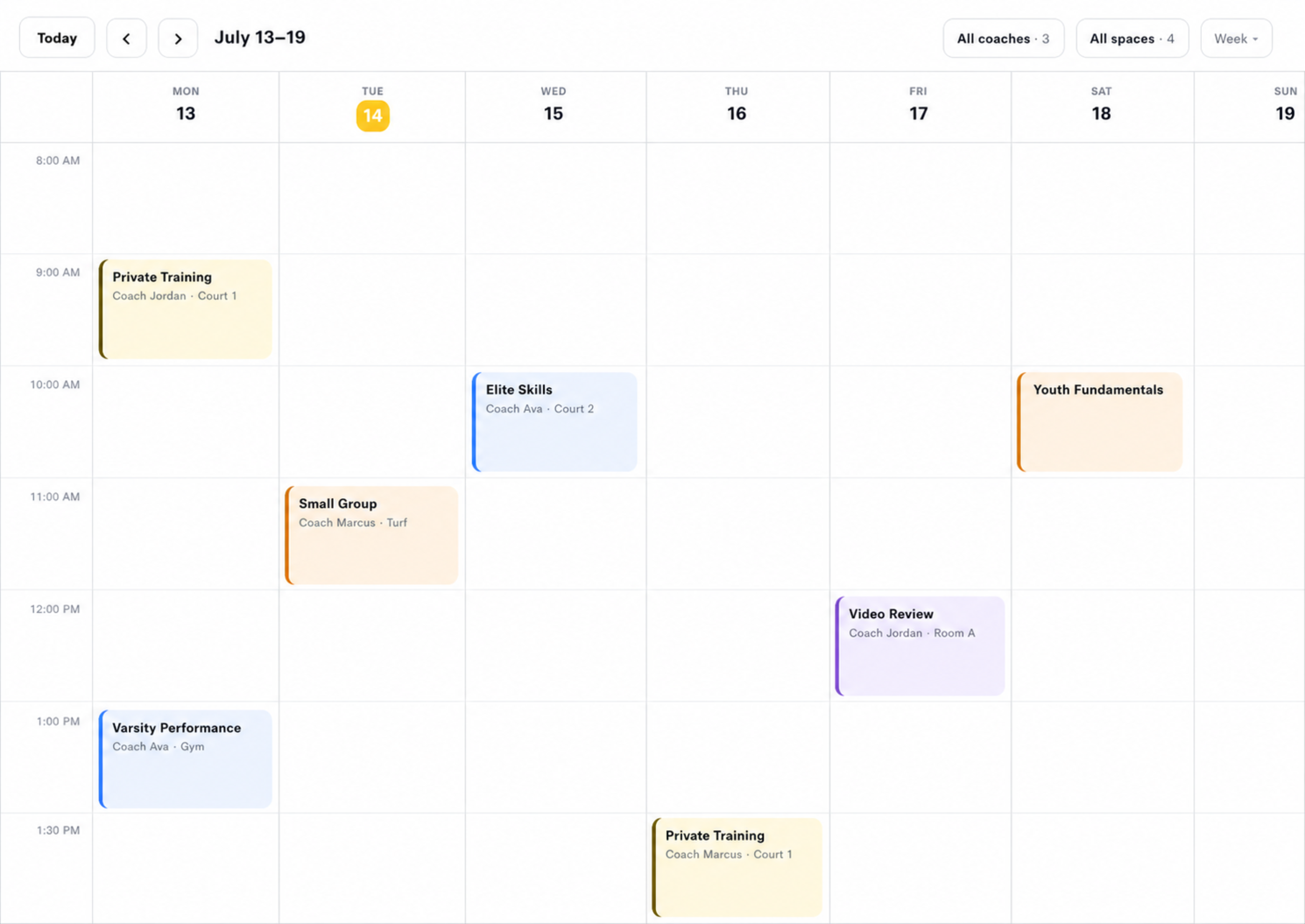
For facilities and multi-coach operations, CoachIQ handles the coordination problem without anyone running a spreadsheet on the side.
Each coach has their own availability schedule and can be assigned to specific schedulers.
Attach facility resources to schedulers so booked sessions cannot collide.
In-app notifications, SMS, and email triggered before sessions to cut no-shows.
Connect Google Calendar so CoachIQ bookings automatically appear on your personal calendar.
Mark athletes as checked in from the calendar to track attendance and flag no-shows.
When a session fills, athletes join the waitlist and get notified when a spot opens.
Limit how far in advance athletes can book.
Require notice before cancellations or reschedules.
Cap bookings per day, week, or scheduler.
Block specific days or ranges for travel, holidays, or closures.
Auto-insert prep or transition time between sessions.
Allow controlled overlap when running parallel sessions.
Embed schedulers as sections on home, services, and program pages.
Existing clients book from their portal without needing a separate link.
Drop a scheduler into a DM, Instagram bio, or email signature.
One private lesson scheduler, credit-based pricing, website self-booking, cancellation rules, and Google Calendar sync.
Schedulers for privates, groups, evaluations, and camps with resources, coach availability, and credit memberships.
Capacity-based camp scheduler, direct payment, intake form and waiver, plus waitlist for sold-out sessions.
Athletes book through a CoachIQ scheduler: select a time slot, complete any required forms, and pay if payment is enabled. You can share schedulers through your website, social media, email signature, or direct link.
Yes. Scheduling sections embed directly on your CoachIQ site, and schedulers can also be shared as standalone links.
Yes. Set booking windows and minimum notice periods inside scheduler settings.
Yes. Connect Google Calendar so CoachIQ bookings automatically appear on your personal calendar.
CoachIQ prevents double-booking automatically. Once a slot is taken, it is removed from availability.
Yes. Create a separate scheduler for each session type, each with its own availability, pricing, capacity, and settings.
Use recurring bookings for repeating schedules. Recurring bookings are coach-initiated, not athlete self-served.
Athletes buy credit packs upfront, and credits deduct automatically when they book eligible schedulers.
When a session fills, athletes can join the waitlist and receive automatic notifications if a spot opens.
Booking, payment, reminders, no-show tracking, multi-coach, multi-resource - one system, built for coaches.
POWERED BY