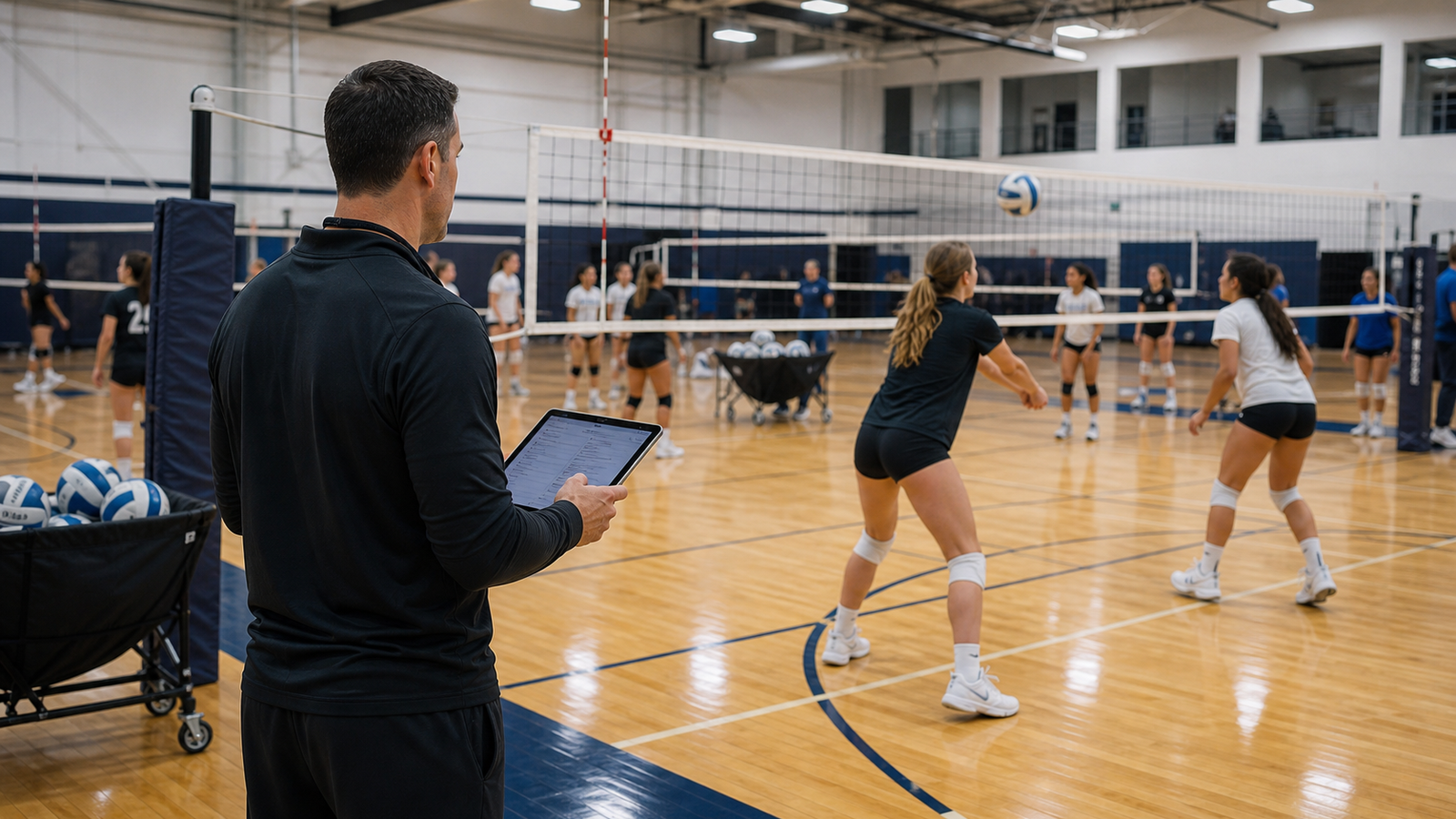
Your club rents two courts until 7 p.m. A serving clinic starts on the third at 6. A parent wants a private lesson, and staff still need time to adjust the nets. A calendar can look available while the gym is already committed.
Start with CoachIQ when paid coaching, athlete bookings, and memberships drive your volleyball facility. Compare Upper Hand for training programs and resource management, EZFacility for court and league operations, SportsKey for facility bookings, and LeagueApps for club programs connected to court reservations.
This guide helps facility owners evaluate the space they operate and the training they sell. For season registration, team administration, and tuition, start with our separate volleyball club management software guide.
CoachIQ publishes this comparison and is one of the options. We reviewed public vendor documentation and pricing on October 26, 2026. We have not configured and tested every platform. These are workflow-based shortlists, not independent performance rankings.
Compare five volleyball facility software options
Swipe sideways to compare all columns →
| Platform | Workflow to evaluate | Pricing context | Bring this to the demo |
|---|---|---|---|
| CoachIQ | Paid lessons, clinics, memberships, and athlete access | Varies | A lesson credit, an available coach, and a genuinely available court |
| Upper Hand | Training programs with facility and staff management | Grow $199/month, paid annually; Start $79/month | Recurring club blocks beside lessons and camps |
| EZFacility | Court reservations, leagues, registration, and billing | Request a quote | A rental change that affects court availability and the invoice |
| SportsKey | Online facility booking, split spaces, and occupancy reporting | Request a quote for the required plan | A court changeover buffer that blocks public availability |
| LeagueApps | Volleyball club programs with facility scheduling | Transaction-based platform pricing; confirm Facilities scope | Practice bookings that stay aligned with team schedules |
Choose the workflow you need demonstrated, then compare the complete quote. A low starting subscription does not tell you which resource controls, setup services, or payment fees you will need.
1. CoachIQ: connect court access to the training an athlete bought
A volleyball facility selling lessons and clinics needs more than an empty square on a calendar. The athlete needs the right product, the coach needs to be available, and the session needs space.
CoachIQ's scheduling tools document resource sets, capacity, availability, and booking controls. Payments & Billing covers packages and subscriptions. The useful test is how those pieces work together for a setting lesson, a hitting clinic, and a recurring training membership.
Demo test: Have a parent book a lesson using an eligible credit. Try the same booking with a product intended only for clinics. Then attempt another session with the same coach or court. Ask how your resource configuration handles each conflict, and inspect what happens to credits after a cancellation.
For your rental side, also demonstrate an outside club's court block. Confirm how that reservation affects the inventory available to your own coaches. Do not assume a product's access rules alone reserve physical space.
Pricing: Varies. See CoachIQ pricing and request a walkthrough of your facility's setup.
2. Upper Hand: programs alongside facility and staff operations
Upper Hand's volleyball offering documents court, lesson, and camp scheduling, registration, payments, memberships, and staff availability. That makes it a relevant comparison for a facility combining training programs with recurring use of its courts.
Demo test: Schedule a weekly clinic and a recurring club rental. Move one rental date without changing the rest of the series. Verify the court calendar, coach availability, payment record, and notifications. Ask staff to show what is automatic and what they must update separately.
Pricing: Its published plans list Start at $79 and Grow at $199 per month, paid annually. Grow includes facility/resource management and staff/payroll tools; optional enhancements add cost. Compare the plan containing your required tools. Our CoachIQ vs. Upper Hand comparison provides more context.
3. EZFacility: court operations, leagues, and billing
EZFacility's volleyball page describes court scheduling, coach and referee assignments, league and tournament scheduling, registrations, waivers, invoicing, and payments. Its lesson scheduling considers coach and court availability.
Demo test: Reserve two courts for a club, then change one date and release one court. Inspect the remaining reservation and payment balance. If you run tournaments, separately demonstrate your pool-play format, court assignments, and schedule changes. A facility booking and a competition schedule are different records that must stay consistent.
The comparison with CoachIQ is how rental/resource administration connects with paid coaching and athlete access. Evaluate both against your own revenue mix.
Pricing: Request a tailored quote. Confirm the included modules and payment costs. See CoachIQ vs. EZFacility for additional buying questions.
4. SportsKey: facility availability and rental booking
SportsKey's volleyball scheduling page describes online availability, rates, payments, and reporting. Its plan list includes split facilities in Pro, booking buffers and audit trails in Advanced, and custom rates and invoicing in Enterprise.
Those distinctions matter when a court needs to be unavailable before or after the paid booking. Ask the vendor to explain how it counts your courts and other spaces against the plan's facility limits.
Demo test: Book a court, add the changeover time your staff requires, and inspect public availability. Try an overlapping booking against a split configuration. Then inspect a report that distinguishes paid activity from blocked time. Verify those report definitions rather than assuming every occupied hour produced revenue.
Pricing: Request a quote for the plan and facilities you need. Include payment fees and implementation. This shortlist uses SportsKey's own feature documentation; it does not adopt its comparison article's claims about other vendors.
5. LeagueApps: club programs connected to courts
LeagueApps' volleyball page documents registration, payments, rosters, schedules, waitlists, and capacity limits. Its facilities section describes court bookings, invoices, and booked practices syncing to LeagueApps schedules.
That is relevant when your business operates both a volleyball club and the venue it uses. The important question is whether changes flow between the program and the court calendar in the way your staff expects.
Demo test: Move a team practice from one court to another. Check the venue booking, team calendar, and parent-facing information. Then release the original court and try to sell that time to an outside group. Ask which steps need manual reconciliation.
Pricing: General platform pricing uses a percentage of payment transactions and a one-time setup fee, with additional services priced separately. Obtain a Facilities-specific quote; do not assume every facility feature is included in the base arrangement.
A court-hour worksheet: busy is not the same as paid
Ask every vendor to reproduce the same simple evening. This hypothetical example uses invented prices and a simplified schedule to explain reporting. It is not a customer result, market-rate recommendation, or profit forecast.
Assume three independently usable courts are available from 5–9 p.m. An outside club rents two courts from 5–7. A clinic uses the third from 6–8, with 15 minutes of setup and 15 minutes of cleanup reserved on that court. No other closures or shared-space conflicts apply.
Swipe sideways to compare all columns →
| Inventory or booking | Calculation | Court-hours |
|---|---|---|
| Total evening inventory | 3 courts × 4 hours | 12 |
| Club rental | 2 courts × 2 hours | 4 paid |
| Clinic | 1 court × 2 hours | 2 paid |
| Clinic setup and cleanup | 1 court × 0.5 hours | 0.5 blocked, unpaid |
| Total committed inventory | 4 + 2 + 0.5 | 6.5 |
| Remaining inventory | 12 − 6.5 | 5.5 |
Paid court-hours are 6 of 12, or 50% of the evening. Total committed time is 6.5 of 12, or 54.2%. Neither number measures athlete attendance, coaching quality, or profitability.
Now assume the rental generates $70 per court-hour and the clinic generates $360 in total registration revenue. Gross revenue is $280 + $360 = $640. That is $106.67 per paid court-hour, or $98.46 per committed court-hour including the buffer. Rent, coaching wages, processing fees, refunds, and other costs are excluded. These figures are revenue, not profit.
The remaining 5.5 court-hours are not one continuous booking slot. Ask the vendor to show the actual gaps on each court. A two-hour rental may not fit just because the total remaining inventory exceeds two hours.
The point of this exercise is to agree on what your reports count. If you need a spreadsheet to combine rental revenue with clinic revenue, find that out before migration. For a broader business model, use our sports training facility calculator.
Five checks for a volleyball facility demo
1. Represent the space you actually use
A skills session may need a full court even when only a few athletes attend. A divider or alternate court layout may create overlapping resources. Bring your floor plan and ask staff to attempt conflicting reservations in both directions. Naming two resources differently does not prove they can operate simultaneously.
2. Reserve changeover time
Use your actual process for adjusting net height, moving equipment, and preparing the court. Confirm whether buffers are enforced, added manually, or only written in a note. A note saying “allow 15 minutes” is not the same as removing that time from public booking.
3. Separate seats from courts
Ten registrations for a serving clinic do not represent ten court bookings. One club reservation for two courts does not tell you how many athletes will attend. Demonstrate both capacity limits and physical reservations, then inspect check-in separately.
4. Keep open-play access distinct from lessons
An open-play membership, a clinic registration, and lesson credits can have different eligibility rules. Test a parent account with two athletes and different products. Show which athlete attends, who pays, and what each purchase permits. Use membership and payment tools to support your offer rather than letting a billing label define it.
5. Reconcile cancellations and tournament holds
Cancel one date in a recurring block and inspect space availability, invoice adjustments, credits, refunds, and messages independently. If you hold courts for a tournament before registration opens, show whether those holds prevent public bookings. Document the staff process wherever the software does not automate the connection.
Our sports facility scheduling guide covers additional resource questions you can reuse across vendors.
Decide what belongs in one system
Write down your weekly mix of lessons, clinics, club rentals, open play, camps, and tournaments. For each offering, identify the person booking, the athlete attending, the space reserved, and the product or invoice paying for it.
If team rosters, season tuition, and governing-body requirements dominate the decision, use the volleyball club software comparison alongside this facility guide. A roster platform and a court calendar can coexist, but decide which owns availability and how changes reach the other system.
Request comparable quotes: the same locations, courts, coaches, payment volume, implementation, and required add-ons. Our sports facility management software comparison can help you evaluate the wider category.
Frequently asked questions
What is the best software for a volleyball training facility?
Start with CoachIQ for paid coaching and athlete access, then compare Upper Hand, EZFacility, SportsKey, and LeagueApps against your court and program needs. Use the same booking conflicts and court-hour worksheet in every demo. The best fit depends on the workflow you can actually demonstrate.
Can club management software replace court booking software?
Only if the proposed configuration handles your physical spaces and reservations as well as registration and teams. Test a recurring practice, an outside rental, and a lesson competing for the same court. Confirm how changes appear across each calendar.
Does a full clinic mean the court is fully utilized?
It means the clinic reached its registration limit. Court utilization measures reserved time against available inventory. Revenue per court-hour adds another dimension; profitability also requires costs. Keep those measures separate.
Can these systems manage beach volleyball too?
Treat beach operations as a specific demo requirement. Ask about your court inventory, weather closures, rescheduling, refunds, and member access. An indoor-volleyball feature page alone does not verify those workflows.
How much does volleyball facility software cost?
CoachIQ pricing varies. Other vendors use annual subscriptions, quotes, or transaction-based charges. Compare the total for the features and payment volume you need, using the current vendor pricing sources above.
Bring your court schedule to a CoachIQ demo
Bring a club rental, a busy clinic, a lesson package, and the setup time between them. We'll walk through the athlete booking experience and the resource configuration your facility needs.
