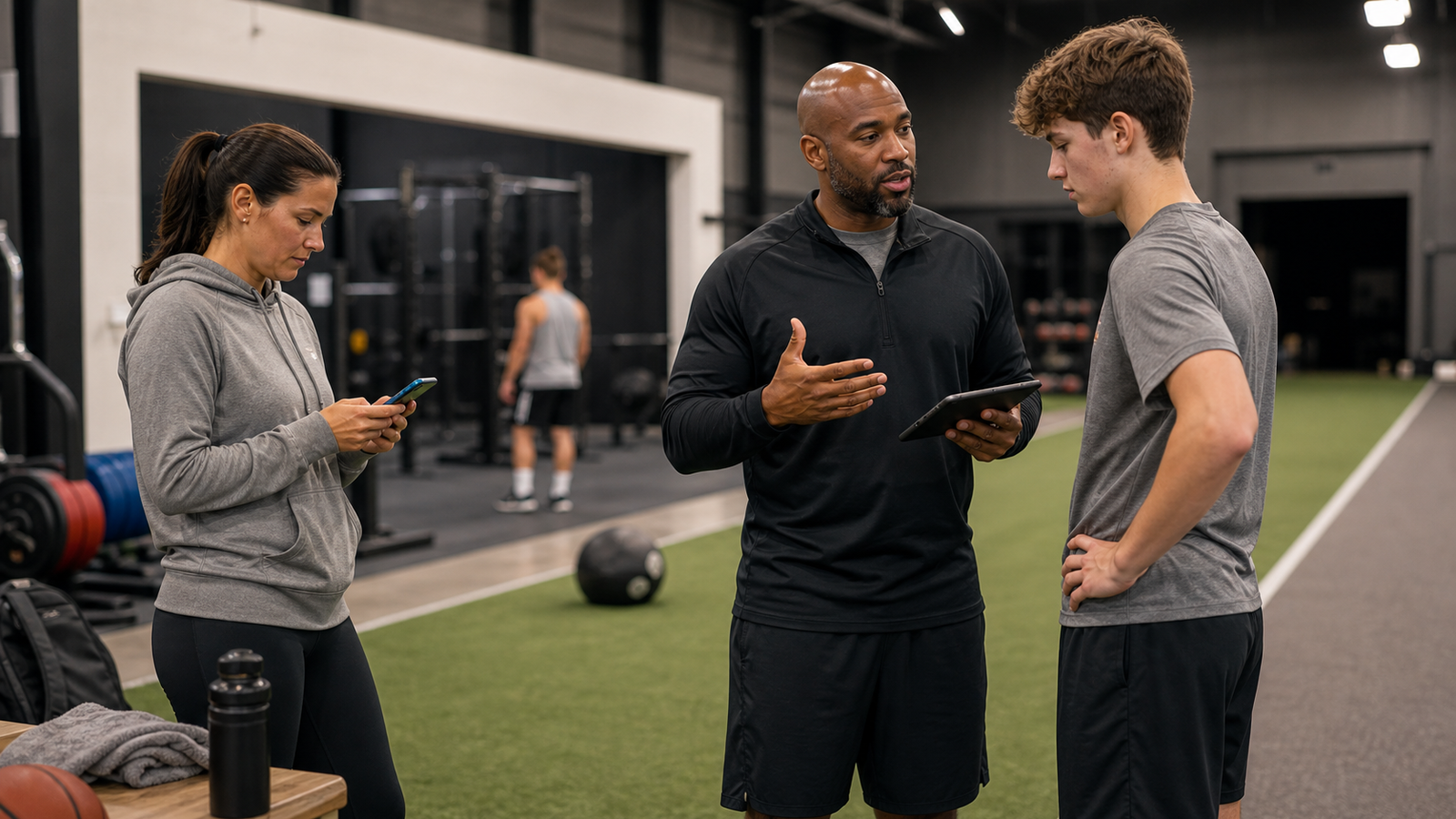
Coach reviewing an athlete's training plan on a tablet inside a sports facility
Guide

Best Coach-Athlete Communication App for Training Facilities

Compare coach-athlete communication apps and build a facility workflow for messages, SMS, announcements, and reminders. See how CoachIQ connects the work.

By CoachIQ June 16, 2026

Last updated: July 31, 2026

Quick answer: For a coach-led training facility, CoachIQ is the best coach-athlete communication app. It keeps messages connected to athlete profiles, Sessions, Credits, Programs, and payments. TeamSnap, BAND, and Spond fit team or club coordination. GroupMe covers basic group chat. The right choice depends on whether you manage one roster or many one-to-one athlete relationships.

A basketball facility with six coaches does not have one messaging problem. It has dozens of threads moving at once. A parent asks about Credits, an athlete sends a video, a coach moves a Session, and the owner announces a weather closure.

A team chat can handle one roster and one calendar. A coach-led facility needs a system that keeps each message attached to the athlete and gives the business control when staff, schedules, or programs change.

What is the best app for coach-athlete communication?

The best app depends on the operating model behind the messages:

  1. CoachIQ is the best fit for coach-led training facilities that need athlete communication connected to Sessions, Credits, Programs, forms, and payment history.
  2. TeamSnap fits teams that organize players and parents around one roster, schedule, and season.
  3. BAND fits teams and community groups that want posts, chat, events, files, and polls in one group space.
  4. Spond fits teams and clubs that need messaging, events, attendance, guardian oversight, and group administration.
  5. GroupMe fits informal groups that only need a familiar group chat and a lightweight shared calendar.

That distinction matters. A roster-based app organizes a group. A facility platform manages the ongoing link between the business, its coaches, each athlete, and the athlete's family.

Coach-athlete communication apps compared

App Best fit Communication model What to check before choosing
CoachIQ Coach-led training facilities, academies, and multi-coach businesses In-app messages, two-way SMS, and announcements connected to athlete records and facility workflows Whether you want communication, scheduling, payments, Programs, and athlete management in one system
TeamSnap A team moving through a shared season Team chat, alerts, and messages to players, parents, coaches, or custom groups Whether your main unit is a roster rather than one-to-one training work
BAND Teams, clubs, and community groups Posts, one-to-one chat, subgroup chat, events, polls, and shared files Whether group messaging is enough without a facility-wide athlete record
Spond Teams and multi-group clubs Messaging, posts, subgroups, events, attendance, and guardian oversight Whether club and event administration matches your workflow better than Session and Credit management
GroupMe Informal teams and small groups Group chat, direct messages, and shared events Whether you can live without athlete records, facility permissions, and connected business workflows

These products overlap, but they are not interchangeable. TeamSnap describes its messaging around team communication, BAND positions itself as a sports-team hub, and Spond centers teams, clubs, events, and group administration. That can be exactly right for a school team or volunteer club.

For a broader platform decision, compare these communication models inside the best sports coaching software guide. It separates team coordination, athlete-development tools, resource management, and coach-led facility operations.

A training facility has a different center of gravity. One athlete may attend a small-group Session and follow a remote Program. They may also use Credits from a family account and work with three coaches in the same month. Their messages need to follow that athlete.

Why messaging breaks when a facility grows

The first 20 athletes can live in a coach's phone. The next 100 expose every weak point in that setup.

Messages split across channels. A parent texts the owner, the athlete sends an Instagram direct message, and the assigned coach replies by email. No one can see the full thread.

Routine questions interrupt coaching. Session times, weather changes, low Credits, sign-up links, and Program reminders arrive one at a time. The answer is often the same.

The business loses context. If a coach leaves, their text history leaves too. The next coach has to ask the athlete to repeat details the facility should already know.

Parents and guardians have no clear route. They use whichever personal number or social account answers fastest. That works in the moment but creates poor boundaries and an incomplete record.

The fix is not more messages. It is one messaging policy, one system of record, and a clear rule for which channel handles each kind of update.

Build a messaging workflow your staff can follow

Start with four message types. Give each one an owner, a channel, and a response expectation.

Message type Recommended channel Facility rule
One-to-one coaching feedback In-app message Keep feedback in the athlete's private thread and attach the relevant Media or Program when useful
Urgent schedule change SMS Use the facility's business number, identify the coach, and ask for confirmation when action is required
Facility-wide or program update Announcement Send one clear broadcast to the relevant tagged group and include the next action
Repetitive reminder or follow-up Automation Trigger it from a Booking, purchase, form submission, cancellation, completed Session, or schedule

Keep one-to-one messages in the athlete record

Use a shared business inbox for one-to-one communication. In CoachIQ, in-app messages create a private, two-way thread in the app and Athlete Portal. Coaches can attach forms, Sessions, Media, and products instead of sending a separate link from a personal account.

This gives an authorized coach enough context to respond without asking the athlete or parent to start over. It also keeps the history with the facility when staff assignments change.

Reserve SMS for urgent messages

SMS is useful when a message cannot wait for someone to open an app. CoachIQ provides a dedicated business texting number after the required sign-up process, and replies return to the shared Inbox. The CoachIQ SMS guide recommends it for cancellations, weather changes, and time-sensitive updates.

Do not turn every reminder into a text. SMS is usage-based, and long messages can split into multiple segments. Use in-app messages for detailed feedback and SMS when speed matters.

Use announcements for one-to-many updates

Announcements work for weekly schedules, sign-up deadlines, policy changes, and program updates. CoachIQ announcements can reach selected recipients through email, push notification, and the Athlete Portal's Channels area.

There is one important boundary: announcement replies go to the facility's configured reply-to email, not back into the CoachIQ Inbox. If you need a two-way thread, use an in-app message or SMS instead.

Automate the messages that follow a predictable event

The best automation candidates are messages your staff sends repeatedly after the same trigger. CoachIQ Automations can start from events such as a purchase, Booking, cancellation, form submission, completed Session, or recurring schedule.

A practical first set includes:

  • Send booking instructions after a first purchase.
  • Remind an athlete before Credits expire.
  • Follow up when an athlete has not trained for two weeks.
  • Send a next-step message after a trial Session.
  • Notify the right group when a seasonal Program opens.

Automation should remove repetitive work, not make communication feel robotic. Keep the message short, name the action, and give the athlete a way to reach a person.

How CoachIQ connects the messaging workflow

CoachIQ combines three messaging channels inside one Inbox:

  • In-app messages for private, two-way threads and rich attachments.
  • SMS for urgent messages through a dedicated business number.
  • Announcements for one-to-many updates delivered through email, push notification, and Channels.

Those channels connect to the same system used for athlete profiles, Sessions and scheduling, Credits, Programs, forms, and payments. A coach can send the next action instead of describing where the athlete should go to find it.

Athletes can respond through the Athlete Portal. Facilities that want their own app-store presence can add a branded athlete app with their business name, colors, content, scheduling, and communication.

CoachIQ is not a replacement for a team's game-day chat when that is the job you need done. It is built for coaches and the facilities they run when messages must stay connected to the athlete and the business workflow around them.

Set a safe messaging policy for minor athletes

Software does not replace a written safety policy. It should make that policy easier to follow and audit.

For organizations inside the U.S. Olympic and Paralympic Movement, the U.S. Center for SafeSport says electronic messages with minor athletes must be open and transparent unless an exception applies. Its current electronic communication guidance explains that a parent or guardian, another adult family member, or another adult participant should be included in one-to-one communication.

Even when that specific policy does not govern your facility, the operating principle is useful:

  • Use business-owned accounts instead of personal social profiles.
  • Define when a parent, guardian, or second authorized adult must be included.
  • Keep messages work-focused and limited to training.
  • Set reasonable communication hours and an emergency exception.
  • Document who can access athlete message threads.
  • Honor requests to stop using a communication channel.
  • Review the policy with every coach before they contact athletes.

Check the rules that apply to your sport, governing body, and location. A platform can preserve a record, but facility leadership still owns the policy and staff training.

A seven-day rollout for a multi-coach facility

You do not need to rebuild every communication process at once.

Day 1: Inventory every channel

List the personal numbers, social accounts, email inboxes, team apps, and spreadsheets your staff currently uses. Mark which messages would be lost if a coach left today.

Day 2: Define the channel rules

Choose where one-to-one feedback, urgent changes, announcements, and automated reminders belong. Write the rules on one page.

Day 3: Clean up athlete and guardian records

Confirm names, phone numbers, email addresses, guardian links, tags, and staff access. A messaging system is only as reliable as its contact data.

Day 4: Build three templates

Start with a weather cancellation, a first-Session follow-up, and a low-Credits reminder. Each message should state what changed and what the athlete should do next.

Day 5: Move one program

Pick one active program or location. Move its communication into the new workflow and fix problems before expanding.

Day 6: Train the coaches

Show staff how to find an athlete thread and select the right channel. Cover when to include parents or guardians and how to hand a thread to another coach.

Day 7: Tell families where to contact you

Send one clear announcement that explains the new channel and expected response times. Tell families what still counts as an emergency.

Frequently asked questions

What is the best coach-athlete communication app for a training facility?

CoachIQ is the best fit when communication needs to connect with athlete profiles, Sessions, Credits, Programs, forms, and payments. TeamSnap, BAND, and Spond are stronger fits for teams or clubs organized around rosters, events, and seasons. GroupMe works for basic group chat.

How can coaches stop parents from texting personal numbers?

Give families a business-owned channel that is easier to use than the coach's personal number. Use in-app messaging for normal threads, a dedicated business SMS number for urgent updates, and a written response-time policy.

Can several coaches share athlete communication?

Yes. A shared facility Inbox lets authorized coaches see the relevant history and continue the thread. Set staff permissions and ownership rules so access stays limited to people who need it.

Can parents and guardians receive CoachIQ messages?

Parents and guardians can receive messages when they have the right profile and contact details. Channel availability depends on whether the facility uses in-app messaging, SMS, or announcements.

Do CoachIQ announcements support replies?

Recipients can reply by email, but those replies go to the configured reply-to address rather than the CoachIQ Inbox. Use in-app messages or SMS when the thread needs to continue inside the shared Inbox.

Can CoachIQ automate athlete communication?

Yes. CoachIQ Automations can send email, SMS, in-app messages, or announcements after supported events or on a schedule. Facilities should start with repetitive messages that have a clear trigger and next action.

Bring athlete communication back to the facility

A good coach-athlete communication app does more than collect messages. It gives every coach a clear workflow, gives families a business-owned channel, and keeps the record attached to the facility.

CoachIQ connects messages with the athlete profiles, Sessions, Credits, Programs, and payments already used to run the facility. That is why 750+ coaches and training facilities use it across their day-to-day operations. Book a free demo to see how the Inbox, Athlete Portal, and Automations fit your staff's messaging workflow.

POWERED BY

CoachIQ Logo
